What is LoRaWAN?
Learn what LoRaWAN is, how it works, and its key benefits for IoT and tracking applications.
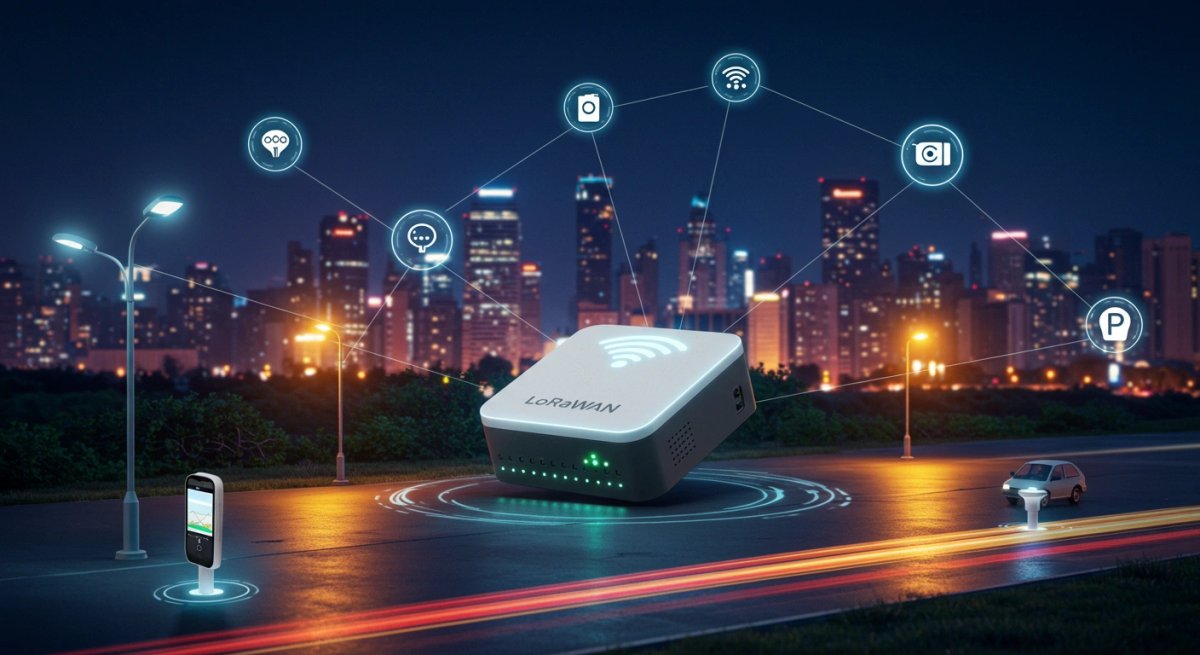
LoRaWAN (Long Range Wide Area Network) is a low-power network protocol designed for connecting battery-operated devices over long distances, known as the Internet of Things (IoT). This open protocol is an essential technology for creating scalable, secure, and cost-efficient communication systems for various applications such as smart cities, agriculture, and industrial IoT.
By utilizing LoRa modulation, LoRaWAN enables devices to transmit small amounts of data over large areas while consuming very little power.
How does it work?
LoRaWAN operates through a unique architecture consisting of end devices, gateways, network servers, and application servers connected in a star network topology. This structure enables efficient and low-power communication even over large areas.
- LoRa Physical Layer: The core of LoRaWAN's functionality is the LoRa Physical Layer, which uses a special radio modulation technique that allows devices to communicate over long ranges with minimal power consumption.
- Star Network Topology: Devices (such as sensors or meters) send data to gateways. These gateways then forward the information to a central network server for processing.
- Gateways: These devices act as receivers for data transmitted by end devices. They forward this data to a central network server, which processes and secures the data.
- Network Server: The network server manages security protocols, data processing, and traffic management, ensuring secure communication throughout the system.
- Application Server: After processing, the application server distributes the data to specific applications that use the information for various tasks, from environmental monitoring to industrial automation.
Device Classes
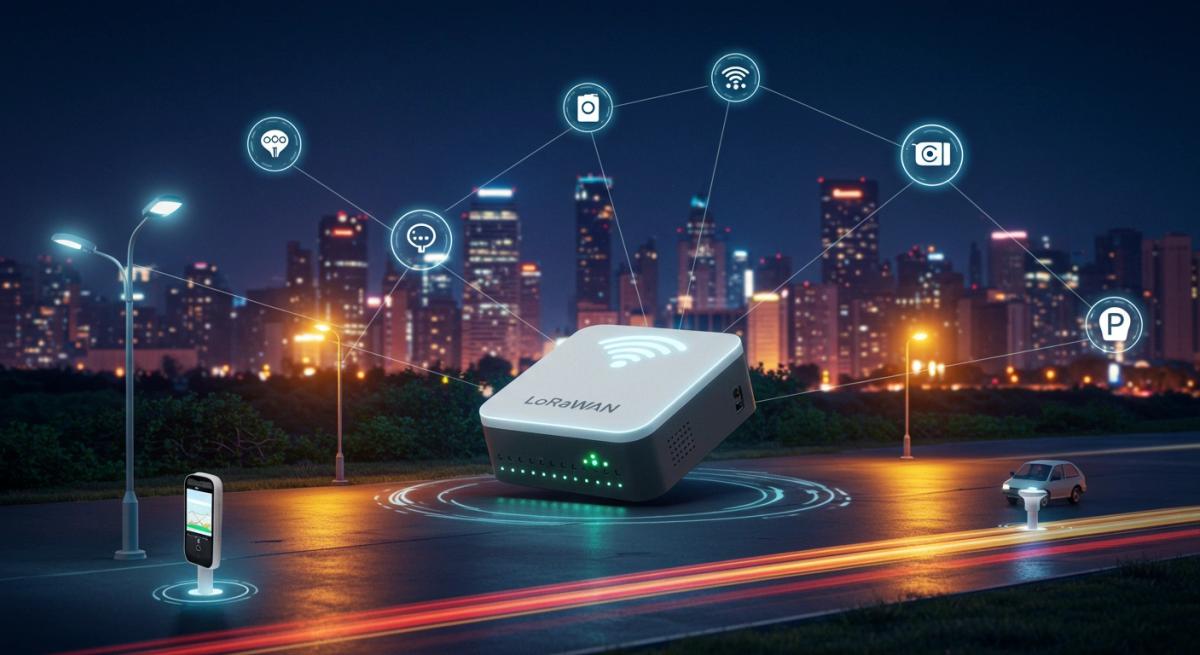
LoRaWAN offers three different device classes with varying capabilities and energy consumption profiles:
Class A
Class A is the most energy-efficient. Devices are active only for short periods, allowing them to operate for years on a single battery charge. They use Aloha-type communication and have two short receive windows for network communication.
Class B
Class B devices are synchronized with the network and can receive messages during scheduled downlink slots, reducing latency compared to Class A. This class balances energy efficiency and responsiveness.
Class C
Class C devices are always in receive mode, allowing them to communicate at any time. While this class offers the lowest latency, it requires more power than the other two, making it suitable for applications that prioritize real-time communication over energy savings.
Key Features and Benefits
LoRaWAN offers several advantages that make it highly suitable for IoT and other applications requiring long-range communication with minimal energy consumption. Some of these benefits include:
- Power Consumption: Devices in a LoRaWAN network are designed to run on batteries for several years, making them ideal for remote or hard-to-reach locations.
- Connectivity: LoRaWAN offers impressive range, typically up to 15 kilometers in open areas and 5 kilometers in urban environments.
- Scalability: LoRaWAN networks can easily scale from small, private setups to vast global systems with billions of connected devices, allowing businesses to expand their IoT ecosystems without major infrastructure overhauls.
- Deployment Costs: Compared to cellular-based IoT technologies, LoRaWAN is far more cost-efficient, making it ideal for large-scale deployments in industries such as agriculture, smart cities, and industrial automation.
- Security: LoRaWAN ensures data integrity and security through AES-128-based encryption on two levels (network key and application key) and authentication, allowing users to securely transmit sensitive information over the network.
Applications
LoRaWAN is used across various industries, providing solutions for challenges that require long-range, low-power communication. Some of the most common use cases include:
- Smart Agriculture: LoRaWAN sensors monitor soil moisture, control irrigation systems, and track livestock health, enabling farmers to improve productivity and sustainability.
- Smart Cities: In urban areas, LoRaWAN is used for smart waste management, water network monitoring, and energy consumption optimization, contributing to the development of more efficient and environmentally friendly cities.
- Industrial IoT (IIoT): LoRaWAN is increasingly used for Asset Tracking, predictive maintenance, and supply chain management in industrial sectors. Its long-range and low-power characteristics make it an attractive option for industrial monitoring and automation.
- Smart Buildings: Building operators use LoRaWAN to monitor room occupancy, temperature, humidity, and energy consumption, allowing for better control and enhancing occupant comfort.
Summary
LoRaWAN is a powerful and cost-effective solution for low-power long-range connectivity in IoT applications. Its ability to provide scalable, secure, and energy-efficient communication for a wide range of industries, from agriculture to smart cities, makes it a key player in the growing IoT ecosystem. Whether building a smart city infrastructure or tracking agricultural assets, LoRaWAN offers a reliable and sustainable way to connect devices over long distances.
Do you have questions about LoRaWAN, IoT, and Asset Tracking?
Read on
Digital Container Management 4.0: The Partnership of SmartMakers and LOGSOL
Monitor containers more efficiently ✓ digitally connected load carriers ✓ reduce costs through container management 4.0 ✓ Read the article now!
Optimizing Port Operations: Best Practices for Increasing Throughput and Reducing Costs
Maximize the efficiency of your port logistics in 2026: Discover how IoT solutions increase throughput, reduce costs, and enable predictive maintenance.

Data That Moves - Interview with Sebastian Stute
Learn how SmartMakers automates and simplifies production and logistics processes with IoT tracking and real-time data.